


How to Keep Your Thermostat From Giving You Problems
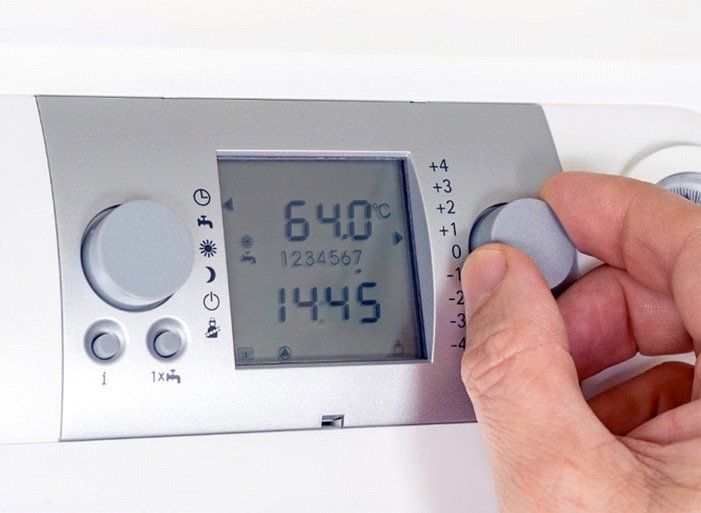
Your home thermostat exercises a lot of power over the behavior of your HVAC system. Often, people think they have an HVAC issue when the problem is really their thermostat. Taking care of your thermostat can help eliminate it as a possible culprit for any HVAC problems that come up.
If you have the manual for your thermostat, check there first for instructions and common troubleshooting tips. If you don't have the manual, check the manufacturer's website.
As you follow these instructions, remember to follow basic safety precautions if you take the case off your thermostat or remove it from its mounting. Always turn off the power to your HVAC system from the circuit breaker if you plan to work on your thermostat.
Keep an Eye Out for the Obvious
If you have any HVAC issue, you should first check your thermostat. When you check the thermostat, you should look for obvious issues:
- Is the thermostat on?
- Is it set to the right temperature?
- Have you tried restarting it?
- Is there a wall switch that turns it off and on close by?
- Are there settings programmed in that you forgot about?
Sometimes the obvious things go overlooked because they're obvious.
Keep Your Thermostat Clean
Dirt and dust can build up on the outside and inside of your thermostat. That buildup can cause your thermostat to:
- Misread the temperature
- Lose connection to the HVAC equipment
- Stop responding
You wouldn't think a little dust on the thermostat could bring your whole HVAC system to a halt, but it can. Don't worry; you don't have to do too much to keep your thermostat clean. You can occasionally wipe it down with a soft brush. You can also use compressed air on your thermostat.
For a deeper clean, you can remove the faceplate of the thermostat and gently wipe the dust from the thermostat and its wiring. You can use the compressed air there as well.
Use Fresh Batteries
If your thermostat gives you a low-battery warning, change the battery immediately. When an electronic thermostat loses power, you lose your entire HVAC system.
Not all electronic thermostats give a battery warning. You can anticipate when the battery needs changing, or you can change it on a schedule. Swapping it once a year should suffice. If your thermostat becomes unresponsive, or if the display starts fading, then try changing the battery.
Keep Your Thermostat Connected
If your thermostat or HVAC system starts to act weird, you should check your thermostat's wall and interior connection. This solution also applies to thermostats that stop working or responding. All you need to do is take off the cover of the thermostat and check to see whether the wires are connected to their mounting screws.
You can also use this solution as an opportunity to take a close look at the wiring. If the wires look dusty, clean them. If the wires look corroded or in disrepair, then you should have a professional look.
Maintain Your Thermostat
Always keep an eye on the performance of your thermostat. If you treat it well, it will continue to help keep your home comfortable. If you have an older thermostat, you should consider installing a smart thermostat.
Despite preventive maintenance, real HVAC problems sometimes happen. Checking on your thermostat occasionally and keeping it in good condition definitely helps. And if you find the thermostat isn't causing your heating or cooling issue, then call in the professionals.
A-1 Finchum Heating & Cooling has several decades of experience dealing with HVAC issues of all types. If you experience an HVAC issue or a thermostat issue, contact us immediately.